


Chord Finder from YouTube: How to Detect Song Chords Quickly and Accurately
If you are looking for a chord finder from youtube, this guide is for you. Many musicians discover new songs on YouTube every day. However, finding reliable chords quickly can still be difficult.
Fortunately, the process is simple. First, paste the YouTube URL into a chord tool. Next, wait for AI analysis. Then, review the progression and apply the chords to your instrument.
What Is a Chord Finder from YouTube?
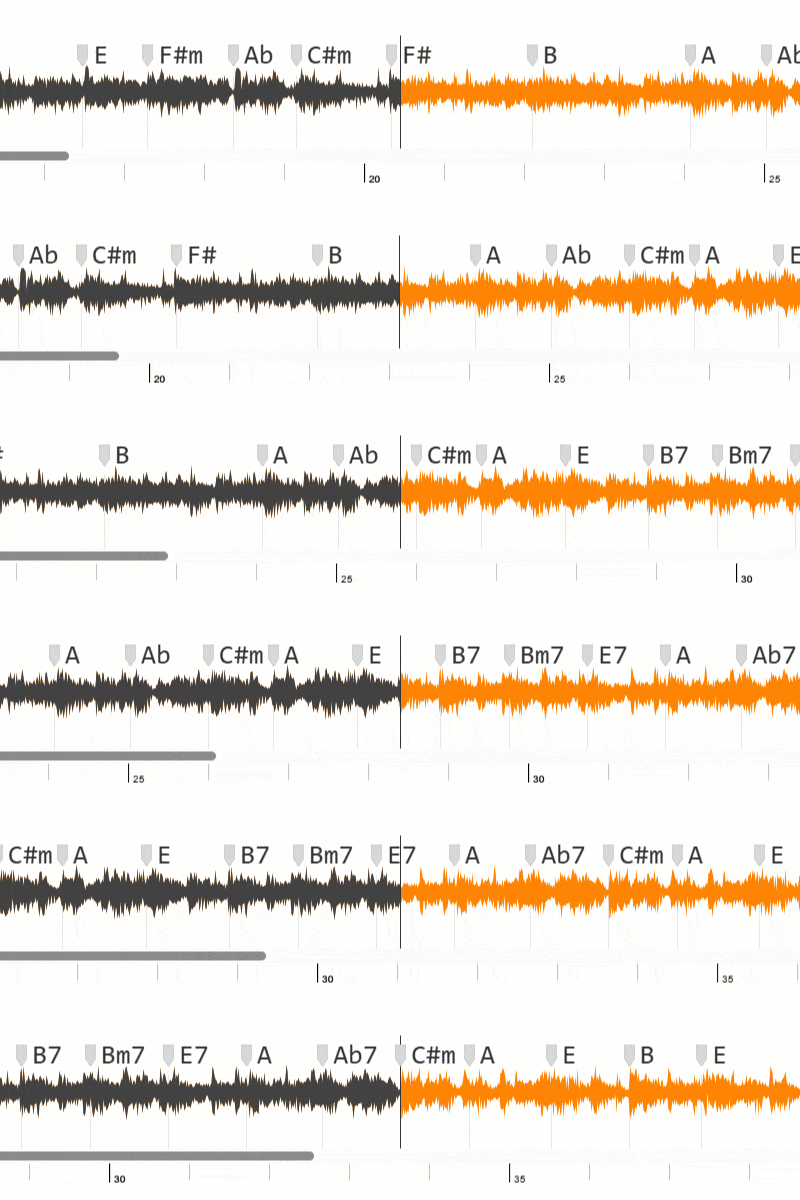
A chord finder from youtube is a tool that analyzes video audio and estimates the song’s harmonic progression. In practice, it gives you a structured chord sequence you can test while listening.
Because modern tools use machine learning, they can work across multiple genres. As a result, this workflow is useful for pop, rock, worship, acoustic, and many other styles.
Why Use a Chord Finder from YouTube?
1) Faster Song Learning
Instead of transcribing from scratch, you start with a practical draft. Therefore, your practice sessions become more efficient.
2) Better Practice Structure
When chords are organized by section, it is easier to practice verse, chorus, and bridge separately. In addition, you can target difficult transitions faster.
3) Useful for Teachers and Creators
Lesson planning and cover preparation become easier with a clear harmonic map. Consequently, you can spend more time on performance quality.
How a Chord Finder from YouTube Works
- First, copy and paste the YouTube URL.
- Next, the tool analyzes the audio signal.
- Then, the system estimates chord changes over time.
- Finally, it displays a progression you can review and refine.
This gives you a strong starting point. After that, your ear confirms details and improves final accuracy.
Step-by-Step: Better Results with a Chord Finder from YouTube
Step 1: Pick a Clear Video Version
First, choose the cleanest audio version of the song. Otherwise, heavy noise or low quality can reduce chord accuracy.
Step 2: Paste the YouTube URL
Next, submit the video link and start processing. Usually, analysis takes only a few seconds.
Step 3: Review Chords by Section
Then, check intro, verse, chorus, and bridge separately. Meanwhile, mark moments that need extra validation.
Step 4: Validate on Your Instrument
Finally, test the progression on guitar, piano, or ukulele. In other words, use detected chords as a base and refine the final voicings by ear.
Common Chord Finder from YouTube Mistakes
Mistake 1: Trusting Every Chord Without Checking
Auto-detection is fast, but it is not perfect. So, always confirm key transitions.
Mistake 2: Ignoring Key and Transposition
If something sounds wrong, verify song key first. Then, adjust transposition before rewriting the progression.
Mistake 3: Using the Same Voicing for All Styles
Chord labels are only part of the result. However, musical style should guide voicing choices.
Who Benefits Most from a Chord Finder from YouTube?
- Beginners learning songs more quickly.
- Intermediate players improving ear training.
- Teachers preparing practical lesson material.
- Content creators producing tutorials and covers.
- Bands organizing arrangements for rehearsals.
Final Thoughts
Overall, a chord finder from youtube is one of the easiest ways to turn online songs into practical chord charts. In fact, it helps musicians spend less time guessing and more time playing.
If you combine fast analysis with careful listening, you can build cleaner progressions and improve performance confidence over time.